
Table of Contents
- Why Small Businesses Look for a GoHighLevel Alternative
- Comparison Table: Top GoHighLevel Alternatives for Small Business
- Builderall: The All-in-One GoHighLevel Alternative for Small Business
- HubSpot: Best CRM for Small Business Growth
- Keap and SuiteDash: Specialized Alternatives for Niche Needs
- How to Sell Digital Products with a GoHighLevel Alternative
- Conclusion
- Frequently Asked Questions
Last Updated: September 20, 2026
Why Small Businesses Look for a GoHighLevel Alternative
HubSpot holds a 47.55% market share in CRM and marketing automation, while GoHighLevel sits at 8.91%, according to Technology Checker’s platform market share analysis. That gap tells you something: small businesses are voting with their wallets, and many are looking for a GoHighLevel alternative for small business that fits tighter budgets and simpler needs.
The core problem isn’t that GoHighLevel lacks features. It’s that those features come with a learning curve and a price tag built for agencies, not solo operators. A user satisfaction survey cited in a 2026 industry review scored GoHighLevel 3.9/5 for ease of use, trailing HubSpot at 4.3/5 and Pipedrive at 4.4/5 (Builts.ai GoHighLevel review).
This guide from Builderall breaks down practical alternatives and which one fits your growth stage. Below, you’ll find a direct comparison table, honest pros and cons, and a migration framework most reviews skip entirely.
Comparison Table: Top GoHighLevel Alternatives for Small Business
The best GoHighLevel alternative for a small business depends on whether you need deep CRM, white-label client management, or an all-in-one builder. Here’s how the top options stack up.
| Platform | Entry Price | Price Model | Best For | Free Tier | Hidden Cost to Watch |
|---|---|---|---|---|---|
| Builderall | Varies by plan | Flat subscription tier | All-in-one building and automation | No | Plan-tier feature gates |
| HubSpot | Free | Per-seat + contact-tier upgrades | Scalable CRM and sales | Yes | Contact-tier cliffs (pricing jumps as list grows) |
| Keap | $249/month | Per-seat + contact tiers | Sales workflow automation | No | Add-on seats and higher contact bands |
| SuiteDash | $14/account | Per-account | White-label client portals | No | Per-account scaling as team grows |
HubSpot is used by 583,796 companies versus GoHighLevel’s 109,442 (Technology Checker adoption data), which reflects how much weight small teams place on a gentler onboarding process.
Total Cost of Ownership: The Math Most Reviews Skip
Sticker price is the least useful number in this comparison. What matters is what you pay after your list grows and your team adds a seat.
Consider these factors before you commit:
- Base subscription, the monthly rate at your current contact count.
- Seat cost, consider the per-user fee by everyone who needs a login, including contractors.
- Contact-tier overage, consider the next contact band above your list size. This is where some pricing models catch teams off guard.
- Add-on modules, email sends, SMS credits, funnel pages, and API calls are frequently metered separately. List every module you actually use and consider its cost.
Add those factors and compare against a flat-rate all-in-one. A flat subscription that bundles website, email, scheduling, and courses can offer predictable costs.
Scalability Thresholds: When You Outgrow a Simple CRM
Small business owners routinely overpay for features they never touch, or underpay and hit a wall mid-growth. Use these thresholds to pick the right tier:
- Under 500 contacts, solo operator: a simple CRM or a flat-rate all-in-one is enough. You do not need enterprise automation.
- 500-2,500 contacts, 2-5 seats: this is the danger zone. Per-seat and per-contact pricing starts compounding here. Re-run the TCO worksheet every time you cross a contact band.
- 2,500+ contacts, multi-channel follow-up: you now need real workflow automation, lead scoring, and deliverability tooling. This is the point where a full suite beats a stripped-down CRM on both cost and capability.
If you are paying for white-label portals, advanced API access, or agency-grade reporting and you have fewer than 500 contacts, you are almost certainly overpaying. Match the tier to the threshold, not to the feature list.
Pick the platform whose pricing model matches your growth curve, flat-rate for predictable budgets, per-seat for teams that stay small. The wrong model, not the wrong feature set, is what blows up a small business software budget.
Builderall: The All-in-One GoHighLevel Alternative for Small Business
Builderall is a no-code marketing and automation suite that lets entrepreneurs build websites, funnels, and email campaigns from one dashboard. For a small business that wants to stop stitching together five subscriptions, that consolidation is the whole point.

Key Features and Pricing
The drag-and-drop page builder creates professional landing pages without touching code. Integrated email marketing, scheduling, and course creation tools mean your sales funnel and follow-up live in the same place. AI website hosting and appointment booking round out the stack.
Pros and Cons
Pros:
- Complete marketing and automation suite in one platform
- No-code website and funnel building
- Built-in email marketing, scheduling, and LMS tools
Cons:
- No free tier, so you commit before testing
- Feature depth means a short learning period up front
HubSpot: Best CRM for Small Business Growth
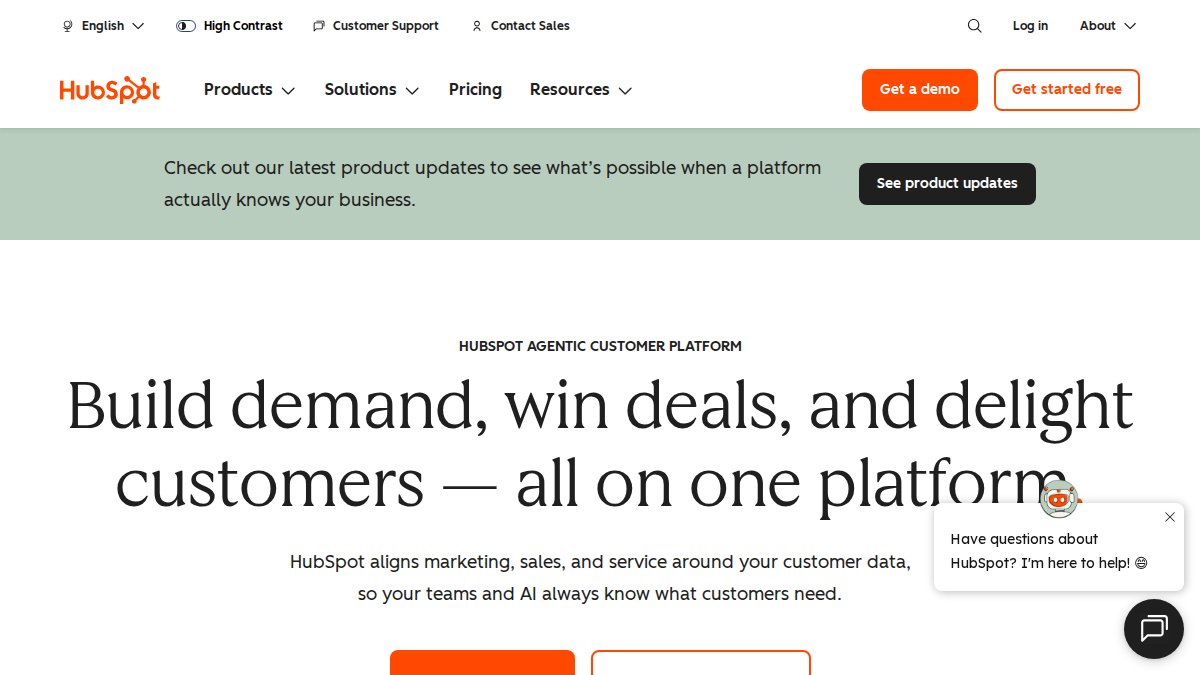
HubSpot is the strongest pick when customer relationship management matters more than funnel building. Its free tier gives small teams real contact tracking and activity history without a credit card.
Keap and SuiteDash: Specialized Alternatives for Niche Needs
Keap targets small businesses that live and die by their sales pipeline. Automated lead capture, payment processing, and appointment scheduling are baked in.
If you manage client websites, SuiteDash’s white-label portal lets you brand the entire experience. Most reviews miss that this removes the awkward “powered by” badge clients notice.
Migration Complexity: How to Actually Move Your Data
Most reviews tell you which tool to pick and stop there. The harder question is how to get your contacts, funnels, and automations out of your current platform without losing revenue. Here is the migration path that works, regardless of which alternative you choose.
Skipping the deliverability test after migration can tank your sender reputation. Send to a small segment first and watch open rates for a week before going full list.
Data Portability: What to Check Before You Commit
Data portability is the exit ramp you hope never to use, and the one most buyers forget to inspect. Before you sign up for any alternative, confirm three things in writing:
- Full contact export, can you download every contact with all custom fields, tags, and activity history as CSV, or are you limited to a partial export?
- Automation export, can you export workflow definitions, or must you rebuild every automation by hand if you leave?
- API access on your tier, is API access included at your price level, or gated behind a higher plan? Metered API calls are a common hidden cost.
Support Response Time: What to Expect
Support quality is where reviews get subjective, so here is a practical benchmark framework instead of a vague star rating. When you evaluate any alternative, test support before you commit:
- Open a pre-sales ticket and time the first human response. A common pattern is that chat gets a reply within minutes while email tickets take a business day or more.
- Check the community forum for unanswered questions. An active community with staff replies is a leading indicator of responsive support.
- Look for documented SLAs on your specific tier. Priority support is frequently reserved for higher plans, so confirm what your tier actually includes.
How to Sell Digital Products with a GoHighLevel Alternative
Selling digital products requires three things: a place to host the product, a way to collect payment, and a system to follow up. An all-in-one platform handles all three without API integration headaches.
Use this migration checklist before you switch:
- Export your contact list as CSV and clean duplicate emails
- Document every active automation and its trigger conditions
- Rebuild your highest-converting landing page first
- Test email deliverability with a 50-contact seed segment
- Set up lead scoring rules before importing your full list
Conclusion
Switching platforms is disruptive, and the wrong choice costs you weeks of rebuilding. Builderall removes that friction by combining no-code website building, email marketing, course creation, and scheduling in one place, so you’re not paying for three tools that don’t talk to each other. If you want an all-in-one platform that grows with your business, get started with Builderall and build your digital presence without writing a line of code.
Frequently Asked Questions
What is the best all-in-one marketing platform for small businesses?
The best platform depends on your specific needs. Builderall stands out as a strong GoHighLevel alternative for small business because it combines no-code website building, email marketing, course creation, and scheduling in one suite. HubSpot is another top choice, with a 47.55% market share, but costs can rise as your contact list grows. For agencies needing white-label client portals, SuiteDash offers wholesale pricing starting at $14 per account.
Is Builderall a good alternative to GoHighLevel?
Yes, Builderall is a solid GoHighLevel alternative for small business owners who want an all-in-one tool without high monthly fees. It offers drag-and-drop page creation, integrated email marketing, and a built-in course LMS. While GoHighLevel has a larger market share (8.91%), Builderall focuses on ease of use and affordability. You can try Builderall’s features to see if it fits your workflow before committing.
How do I choose the right CRM and automation tool for my business?
Start by listing your must-have features: lead capture, email automation, and sales pipeline tracking. Consider your growth stage and budget. If you need a free tier, HubSpot offers one. For a low-cost all-in-one, Builderall provides a comprehensive suite of features. Evaluate migration complexity and support response times before deciding.
Are there free alternatives to GoHighLevel?
HubSpot offers a free tier with basic CRM and marketing tools, but advanced automation requires paid plans. Most all-in-one platforms, including Builderall and Keap, do not have free tiers. However, Builderall’s pricing is designed to be accessible for small businesses. You can check Builderall’s website for current pricing and trial options to see if it fits your budget.
Is it worth switching from GoHighLevel to another platform?
Switching is worth it if you need better ease of use, lower costs, or specific features like integrated course creation. GoHighLevel scored 3.9/5 for ease of use, trailing HubSpot (4.3/5) and Pipedrive (4.4/5), per a 2026 industry review cited by Builts.ai. If you’re a small business owner struggling with complexity, a simpler GoHighLevel alternative for small business like Builderall could save time and money.