
Table of Contents
- Quick Comparison: Best Email Marketing Tools for Small Business
- What to Look for in Email Marketing Tools for Small Business
- 1. Builderall: All-in-One Email Marketing and Automation
- 2. MailerLite: Best Free Plan for New Businesses
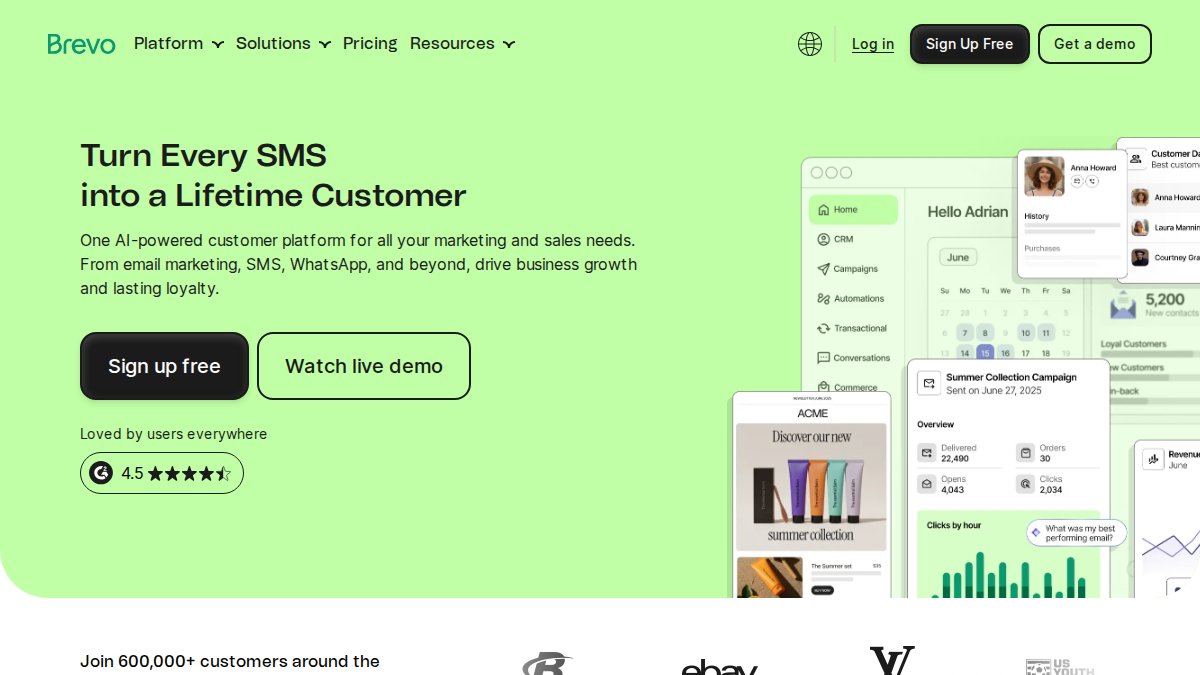
- 3. Brevo: Best for Transactional and Multi-Channel Email
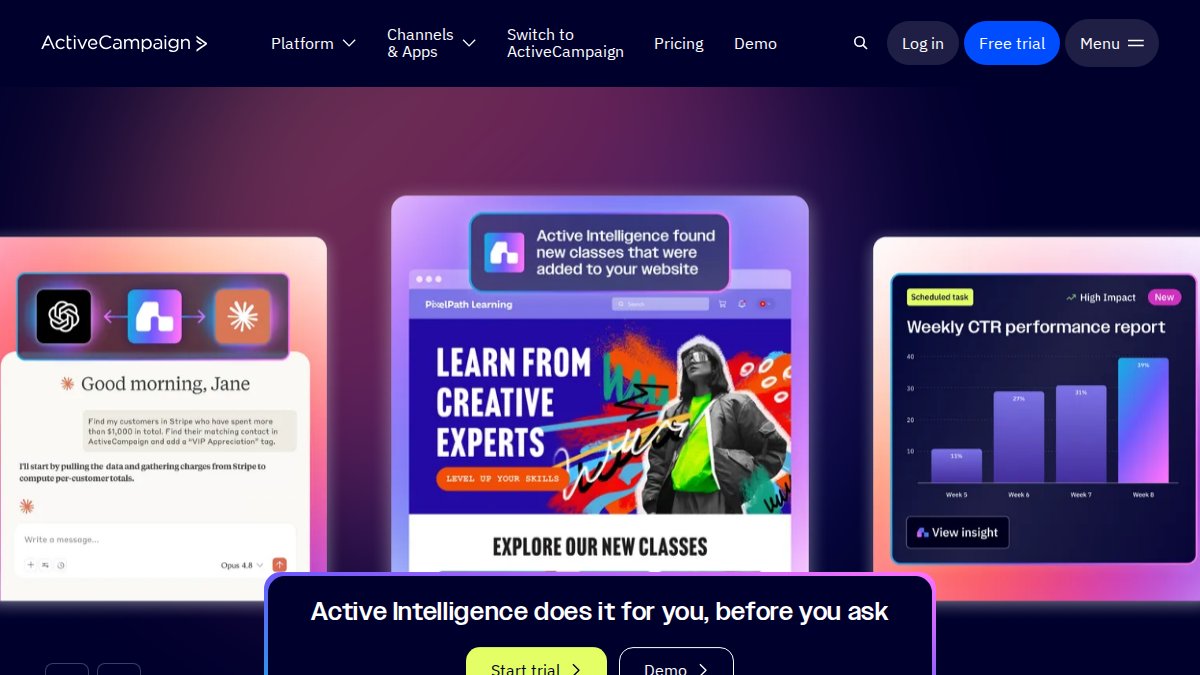
- 4. ActiveCampaign: Best for Advanced Automation and CRM
- 5. Constant Contact: Best for Beginners and Non-Profits
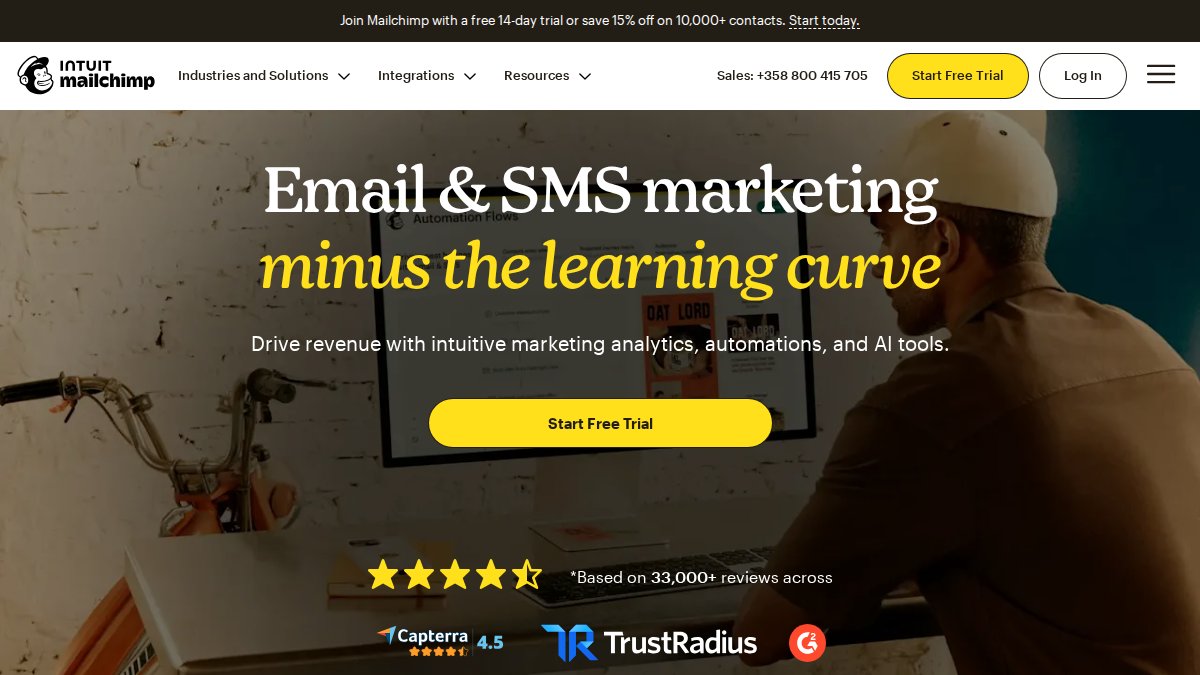
- 6. Mailchimp: Best for Website Conversion Tracking
- How to Build an Email List from Scratch
- Frequently Asked Questions
Last Updated: September 18, 2026
Quick Comparison: Best Email Marketing Tools for Small Business
The best email marketing tools for small business in 2026 depend less on brand recognition and more on your specific business model. According to Constant Contact’s 2026 platform guide, businesses with fewer than 5,000 contacts are best served by starting with Constant Contact or MailerLite. At Builderall, we’ve watched small teams waste months on platforms built for enterprise scale when they needed something simpler.

| Tool | Free Tier | Starting Price | Best For | Standout Feature |
|---|---|---|---|---|
| Builderall | No | Varies by plan | All-in-one business building | Drag-and-drop pages plus built-in email |
| MailerLite | Yes | $10/month | New businesses on a budget | Free plan with automation |
| Brevo | Yes | $25/month | Transactional and multi-channel | Unlimited contact storage |
| ActiveCampaign | No | $29/month | Advanced automation and CRM | Visual automation builder |
| Constant Contact | No | $12/month | Beginners and non-profits | Template library and support |
| Mailchimp | Yes | $13/month | Website conversion tracking | AI creative assistant |
What to Look for in Email Marketing Tools for Small Business
Email marketing tools manage subscriber lists, send bulk campaigns, and automate follow-up sequences. For small businesses, the right choice balances three things: how fast you can send your first campaign, how much automation you get without upgrading, and whether the platform grows with you.
Pricing, Free Plans, and Total Cost of Ownership
Sticker price is the least useful number on a pricing page. What matters is total cost of ownership (TCO): the monthly bill at your current list size, at 2x and 5x that size, and the add-ons you’ll be forced to buy.
- Contact-based tiers. Most platforms price by stored contacts, not emails sent. The jump from one tier to the next is where budgets break.
- Send limits vs. contact limits. Some plans cap monthly sends rather than contacts. A 10,000-send cap on a 5,000-contact list runs out fast if you email four times a month.
- Automation gates. Automation is the most common feature locked behind a higher tier. A $10/month plan that charges extra for workflows often costs more than a $29/month plan that includes them.
- Transactional email as a separate meter. Order confirmations, password resets, and shipping updates are frequently billed separately from marketing sends. If you sell physical products, budget for both.
Build a three-column TCO sheet before you sign up: contacts today, contacts in 12 months, and monthly send volume. Price every platform against all three. The cheapest entry plan rarely wins at scale.
Deliverability, Compliance, and Data Privacy
Deliverability determines whether your email reaches the inbox or the spam folder. Every platform here maintains solid sender reputation, but the other half of the equation is legal compliance, and small businesses routinely underestimate it.
- Accurate header information (no misleading “From,” “To,” or reply-to fields)
- A non-deceptive subject line
- Clear identification that the message is an advertisement, where applicable
- A valid physical postal address in every message
- A clear, working opt-out mechanism
- Honoring opt-out requests within 10 business days (the FTC)
- No purchased or scraped lists
A practical compliance checklist for small businesses:
- Use double opt-in for every signup form.
- Put a working unsubscribe link in every email, not buried in the footer.
- Include your physical business address in every send.
- Never buy, rent, or scrape a list. Ever.
- Store the timestamp and source of every consent (form URL, date, IP if available).
- Honor opt-outs within 10 business days, most platforms do this automatically, but verify.
- Publish a privacy policy explaining what you do with subscriber data.
- Have a process for deletion requests from subscribers in covered states.
Skipping double opt-in to grow your list faster backfires. Purchased or scraped lists trigger spam complaints, and most platforms will suspend your account after a few reports. The short-term list growth is never worth the long-term deliverability damage.
Ease of Use, Automation, and Integration Fit
Beyond cost and compliance, three practical questions separate platforms that fit from platforms that fight you:
- How fast can you send your first campaign? A drag-and-drop builder with templates gets you live in an afternoon; designing from scratch adds days.
- What automation is included at your tier? Welcome sequences and abandoned-cart flows are table stakes. Branching logic, behavioral triggers, and predictive sending usually cost extra.
- Does it connect to your existing tools? Check for native integrations with your e-commerce platform, CRM, and website builder. Without them, you’ll export CSVs by hand, a hidden cost.
1. Builderall: All-in-One Email Marketing and Automation
Builderall is the strongest pick for small businesses that want one platform instead of five. It combines a drag-and-drop page builder, no-code website building, a course creation LMS, and built-in email marketing with scheduling tools, build your landing page, capture leads, and send follow-up sequences without separate subscriptions.
Solo entrepreneurs and small teams who want to build pages, host a site, and run email campaigns from one account without paying for four separate tools.
2. MailerLite: Best Free Plan for New Businesses
MailerLite wins on its free tier, which includes a drag-and-drop email editor, automation workflows, and a landing page builder, unusual for a free product. Paid plans start at $10/month, one of the cheapest upgrade paths here. Integrations with Shopify, WordPress, and WooCommerce cover most small business setups. The catch is account approval: MailerLite screens new signups strictly, so expect to verify your business details before sending.
3. Brevo: Best for Transactional and Multi-Channel Email
Brevo handles the emails your business sends automatically: order confirmations, password resets, and shipping updates. Transactional email runs through its API, and every plan, including the free tier, stores unlimited contacts.
4. ActiveCampaign: Best for Advanced Automation and CRM
ActiveCampaign is built for complex customer journeys. Its visual automation builder handles branching logic, behavioral triggers, and predictive sending, backed by 900+ integrations, and an integrated CRM keeps sales and marketing data in one place.
5. Constant Contact: Best for Beginners and Non-Profits
Constant Contact does the basics well: mobile-responsive templates and real-time reporting make it easy to send a professional campaign on day one, and event management and registration suit non-profits running fundraisers and community programs.
6. Mailchimp: Best for Website Conversion Tracking
Mailchimp remains the best-known name in email marketing, and its strength in 2026 is website conversion tracking. MailerLite’s 2026 analytics review highlights Mailchimp as a leading tool for tracking how site visitors convert into subscribers and customers.
Before committing to any platform, export your current subscriber list and run a test import. Fields that don’t map cleanly are the number one reason migrations stall, and catching them early saves hours later.
How to Build an Email List from Scratch
Building a list starts with a clear incentive and a simple opt-in form. Email marketing templates for small business work best paired with a lead magnet, a discount code, checklist, or short guide that gives people a reason to hand over an email address.
Industry-Specific List-Building Playbooks
The mechanics of capturing an email address are the same everywhere. The incentive, the placement, and the follow-up sequence are not.
When You Outgrow Your Tool: A Migration Path
Most guides assume you’ll pick the right platform on day one and never move. In practice, small businesses migrate for three reasons: price at their new list size, a missing feature, or an unfixable deliverability problem.
- Export your list with all fields. Tags, custom fields, signup dates, and consent records should come with it. If your current platform doesn’t export consent timestamps, document them separately before you leave.
- Map fields before you import. Mismatched column headers are the number one reason migrations stall. Run a test import with 50 contacts first and check that every field lands where it should.
- Warm up the new sending domain. Don’t send to your full list on day one. Start with your most engaged segment, recent openers and clickers, and ramp volume over one to two weeks. A sudden spike from a new domain is a classic spam signal.
- Recreate your automations before you cancel. Welcome sequences, abandoned-cart flows, and re-engagement campaigns need to be rebuilt in the new platform. Cancel the old account only after the new one is live and tested.
- Keep the old account active for one billing cycle. If something breaks, you want a fallback. The cost of one extra month is cheaper than the cost of a broken welcome sequence during your busiest sales week.
Frequently Asked Questions
What are the top 5 email marketing tools for small business in 2026?
The most recommended email marketing tools for small business vary based on specific needs. Builderall stands out as an all-in-one option that combines email marketing with website building, funnel creation, and course hosting, which reduces the number of separate subscriptions you need to manage.
What features should a small business look for in an email marketing platform?
Prioritize deliverability rates, ease of use, and automation capabilities that match your workflow. Look for a drag-and-drop editor, segmentation tools, A/B testing, and CRM integration. If you sell online, check for ecommerce-specific features like product pickers and abandoned cart sequences. Also review compliance support for CAN-SPAM and GDPR, since these affect how you collect and store subscriber data. Finally, confirm the platform scales with your list size without sudden price jumps.
How much does email marketing software typically cost for small businesses?
Pricing varies widely. Free tiers are available from some platforms. Costs typically rise as your subscriber list grows, so factor in long-term scalability before committing. Pricing depends on quantity, dates, and delivery; please check Builderall’s website for current prices.
Can I start email marketing for free as a small business?
Yes. Several platforms offer free tiers suitable for small businesses just starting out. These free plans usually include basic automation and template access but may limit advanced segmentation or remove branding only on paid tiers. Start free, then upgrade once your list grows past the free threshold.
Is email marketing still effective for small businesses in 2026?
Yes. Email remains one of the most direct channels for reaching customers without relying on algorithm changes or ad spend. In 2026, platforms are adding AI-powered automation and interactive email features that improve engagement. For small businesses, email supports lead generation, customer retention, and repeat sales at a lower cost than many paid channels. The key is list quality and relevant content, not volume. A segmented list of 500 engaged subscribers often outperforms a bloated list of 5,000 inactive contacts.