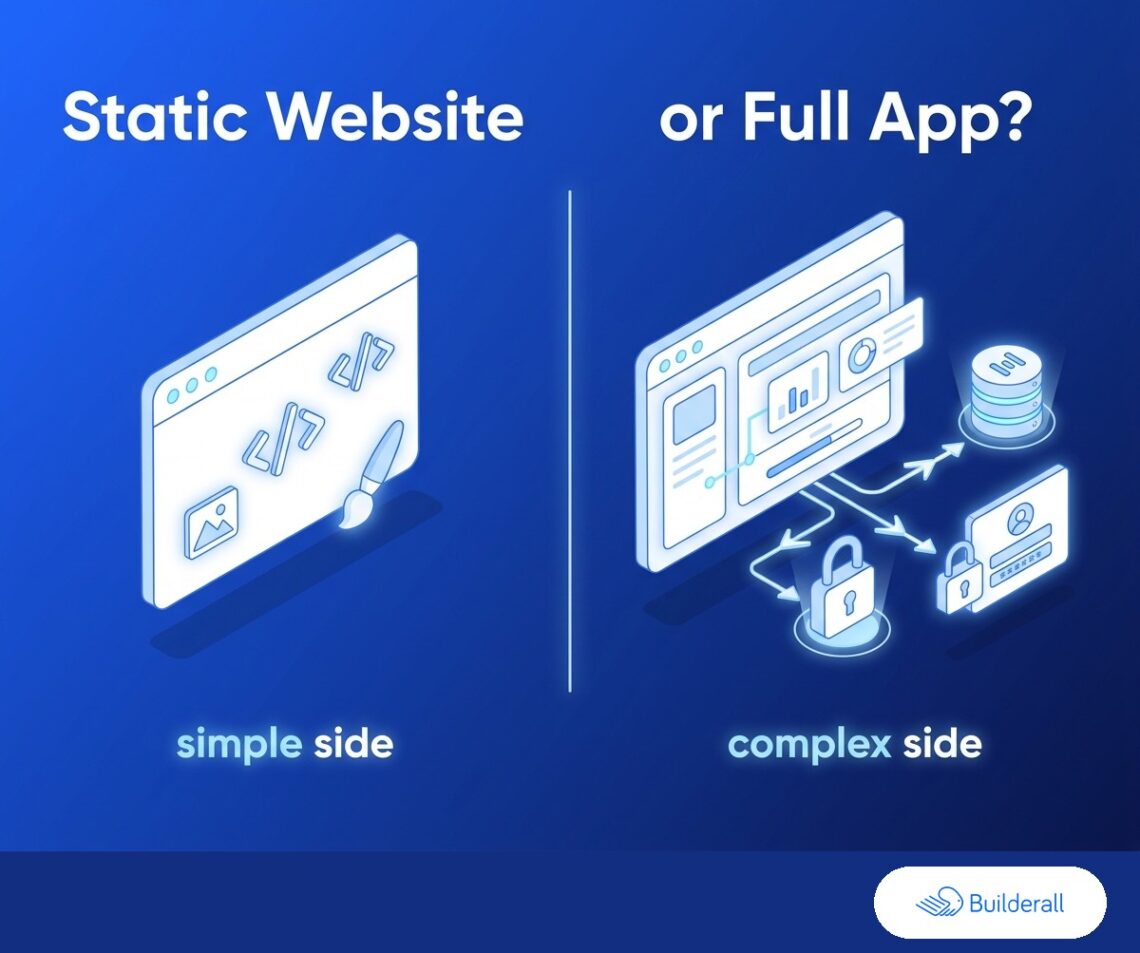
Short answer: if what your AI tool built is HTML, CSS, and JavaScript — no database, no user accounts, no server-side logic — you can host it as a static site today, for free. If it needs to remember data between visits or handle logins, it needs real infrastructure hosting, not a static host. Here’s how to tell which one you have, and what to do with each.
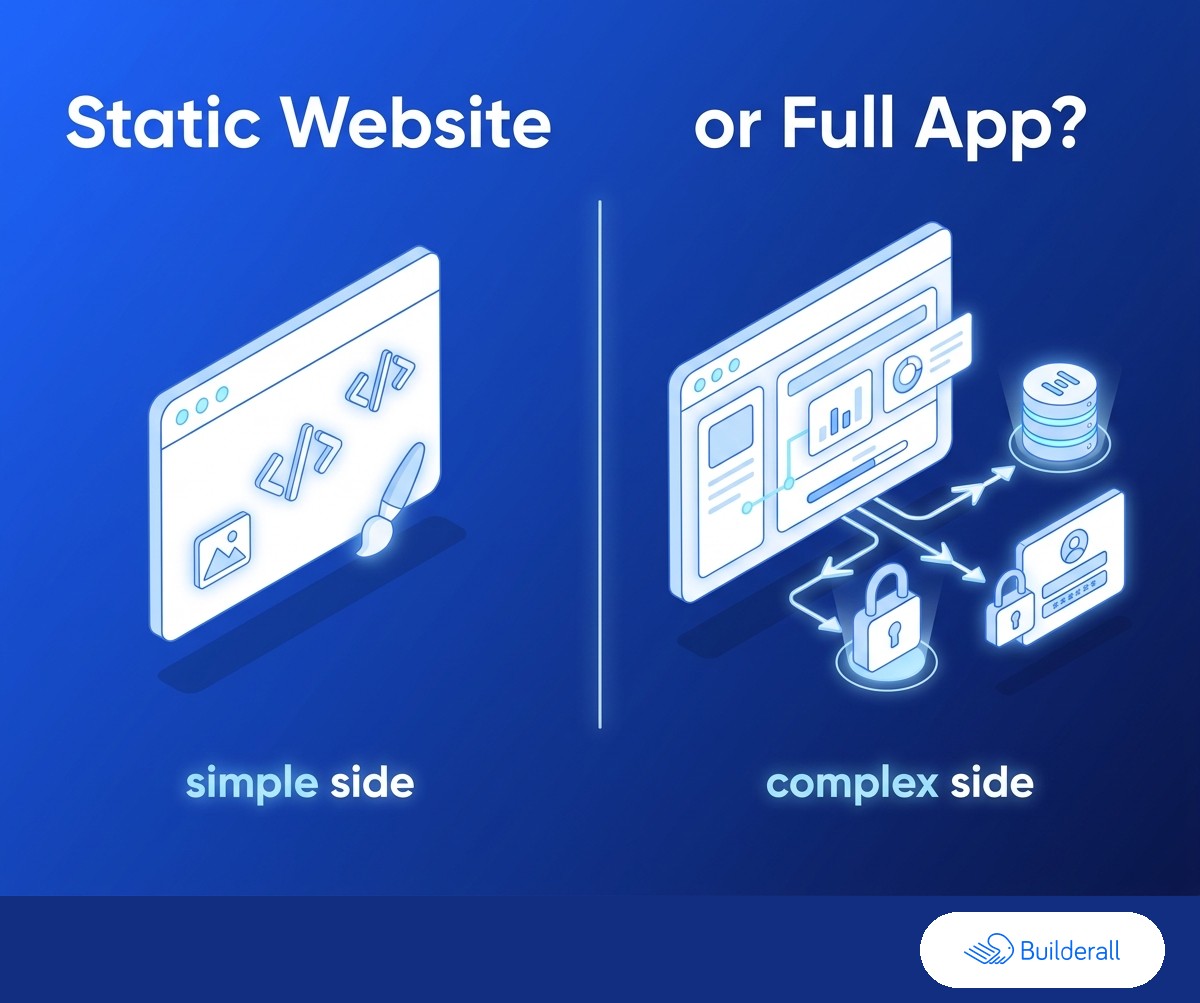
What “static” actually means
A static site is a set of files — HTML, CSS, JavaScript — that get sent to a visitor’s browser exactly as they are. The browser does all the work: rendering the layout, running any scripts, showing the page. Nothing runs on a server in between. That covers more than people expect: portfolios, landing pages, calculators, quizzes, small browser games, and dashboards that show fixed or passed-in data all qualify, as long as nothing needs to be saved, remembered, or looked up from a database on the other end.
An app, by contrast, needs a server doing something ongoing — storing what a user entered, checking a password, running logic that depends on data specific to that user. If your AI tool generated user accounts, a database, or server-side logic, that’s not a static site anymore, and no static host (Builderall included) is the right tool for it.
Step 1: Get your static site online (free)
If what you have is static — plain HTML/CSS/JS — upload it to Builderall’s AI Site Hosting and it’s live on a free Builderall subdomain in about a minute, SSL included. We handle all the setup behind the scenes, so this really is the whole step.
Step 2: Make it look like a real business (Core)
A subdomain link works for a quick preview, but it’s not what you want on a business card or in an email signature. Upgrading to Core gets you your own custom domain and a professional email address ([email protected] instead of a personal inbox) — the two things that make a static site look like it belongs to an established business rather than a weekend project.
Start free → — you can always upgrade once the site’s live.
Step 3: Your contact form actually works (free)
Builderall’s free tier includes a working contact form out of the box — a real lead capture tool, not something you need to build an “app” to get. (Most AI-generated HTML hosts don’t offer this: a <form> tag your AI tool built into the page often just sits there with no backend behind it, so a submission never arrives.)
Step 4: Edit the site without regenerating it from scratch (free)
Once it’s live, you’ll want to tweak something — a headline, a photo, a section order. The obvious way is to go back to your AI tool, regenerate the whole file, and re-upload it. Builderall’s free tier includes an AI HTML editor built directly into the hosting instead — no separate account, no separate purchase. You can edit text and layout, reorder or remove sections, and generate new images for the page, all without leaving the hosted site.
The editor itself is free on every plan. It’s for structural and content changes — it isn’t where email marketing or automation tools live; those (newsletter forms, booking calendars) are part of Essentials.
Step 5: Where the line actually falls (and what to do if you’re on the app side of it)
If what you’ve got needs to persist data — user accounts, saved records, anything that has to be remembered between visits — that’s a genuinely different category of hosting, one built to run an actual backend, not a static-file host with more features bolted on. That’s true of any static host, not a Builderall-specific limit.
Most AI-generated sites people actually want live — portfolios, small-business sites, landing pages, tools and calculators — are static. Worth checking which one you actually have before assuming you need something more complicated than you do.
The short version
If your AI-built site is static HTML/CSS/JS, Builderall gets it live free today, with a working contact form and a built-in editor, and we handle the server and security setup for you. Core adds a real domain and professional email. Essentials adds the automation and booking tools for turning visits into a real pipeline. If what you built needs a database or user accounts, that’s a different kind of hosting problem — worth knowing before you start troubleshooting the wrong thing.
Start free and get your site live today →
Related: Vibe-coded an app with a database? Here’s why that needs different hosting than your site · AI website vs AI app: the hosting difference nobody explains · Free AI website hosting: what’s actually included