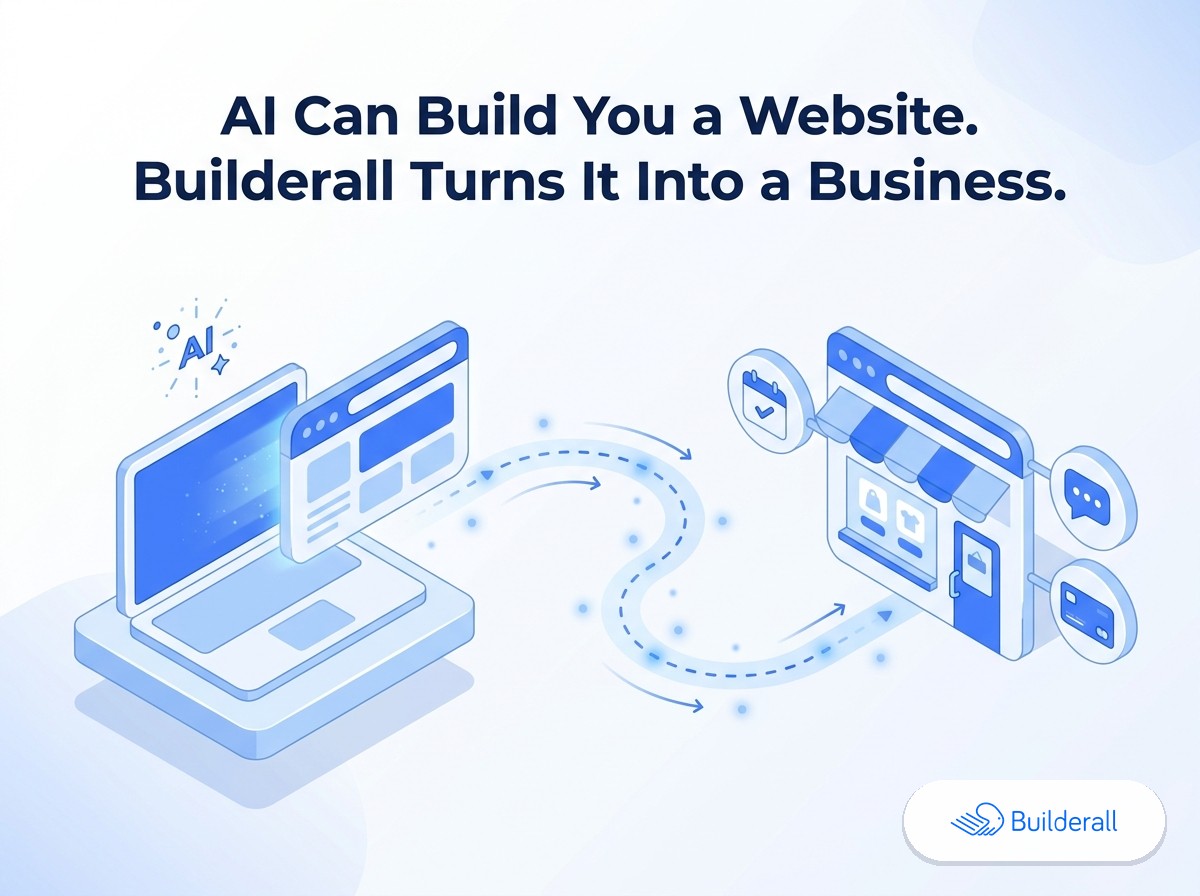
AI can build you a website in minutes. Getting it live is the easy part — what happens after that is what actually determines whether it becomes a business. Every major hosting option for AI-generated sites (Vercel, Netlify, Cloudflare Pages, GitHub Pages, and newer drag-and-drop options like Netlify Drop) is genuinely good at one thing: putting your AI-built code on a live URL. None of them do anything past that — not even the basics, like a contact form that actually notifies you, a newsletter signup that goes somewhere, or a way to take a payment. Builderall hosts your AI-generated site the same way, and then gives you all of that, plus the email automation, booking calendar, chat and DM automation, social proof, courses, and lead tracking a real business needs next — already in the same account.
A website isn’t a business
You can build a working website with ChatGPT, Claude, Lovable, Replit, v0, or bolt.new faster than ever. That part of the problem is basically solved. But a live URL doesn’t capture a lead, doesn’t follow up with someone who almost bought, doesn’t remind a customer about their appointment, and doesn’t show a new visitor that other people already trust you. Those are separate systems, and on every pure-hosting platform, they’re separate subscriptions you have to find, sign up for, and connect yourself.
That’s the gap this post — and the rest of this series — is about.
The hosting-only options are good. They’re just not the whole answer.
To be clear about something a lot of comparison content glosses over: Vercel, Netlify, Cloudflare Pages, and GitHub Pages are legitimately strong at what they do.
Vercel has the deepest framework support for Next.js projects specifically — server-side rendering, edge functions, image optimization — and is a natural fit if your AI tool (v0 especially) outputs a Next.js project you want built and deployed with a Git-connected pipeline.
Netlify treats frameworks more neutrally than Vercel and is a solid, well-worn choice for Vite/React exports from tools like Lovable, with a mature Git-based deploy flow.
Cloudflare Pages wins on raw cost predictability — unlimited bandwidth, no egress fees, and a generous free tier — which matters if you expect real traffic and don’t want a surprise bandwidth bill.
GitHub Pages is free and simple if you’re already comfortable with Git and don’t need server-side features.
Netlify Drop is the closest match to how Builderall actually works technically: drag-and-drop static file hosting, no Git, no CLI, live in under a couple of minutes.
If your only need is “get this AI-generated code onto a URL,” any of these will do that job well. Builderall hosts AI-generated static sites the same way — upload your HTML/CSS/JS (or export a static build from a framework project first) and it’s live on a Builderall domain in minutes, no Git or terminal required.
Here’s the part none of them do
It’s easy to read a list of “marketing tools” and assume none of it applies if you haven’t set any of it up yet — plenty of business owners run a site for months without email automation or a booking calendar and don’t think of that as a problem, even though it usually is one. So it’s worth separating two different tiers of what’s missing, because one of them isn’t optional at all.
The first tier is basic website functionality — the stuff a site can’t actually function as a business without, and that a pure host genuinely cannot give you:
- A working contact form — not just a form on the page, but one that actually sends you a notification, saves the submission somewhere, and doesn’t just vanish into nothing. Hosting alone doesn’t get you this. Vercel, Netlify, Cloudflare Pages, and GitHub Pages will host the HTML of a form — they won’t process it, notify you, or store the lead.
- A newsletter signup that actually goes anywhere — collecting an email address is easy; having anywhere for it to go, and a way to actually send that person something, is a completely separate system. On a pure host, this means finding, signing up for, and connecting a third-party email tool before a newsletter form on your site does anything at all.
- The ability to take a payment — if your site sells anything, a static host doesn’t process payments. That requires either building a checkout integration yourself or bolting on a separate payment tool from scratch.
None of that is an advanced feature. It’s what makes a website able to do the two most basic things a business site needs to do: capture a lead and take a payment. A pure host gets you a page that looks right and does neither.
The second tier is what most people think of as “marketing tools” — genuinely valuable, but the kind of thing a business can technically survive without, at a real cost:
- Email automation — following up with someone who visited but didn’t convert
- A booking calendar — letting people schedule time with you without an email back-and-forth
- Chat and DM automation — answering questions in real time, or automatically turning social comments into conversations
- Social proof — showing visitors that real people already use what you’re selling
- Courses — if part of your business is teaching or onboarding people
- Lead capture and source tracking — knowing where a lead actually came from (the newsletter? a booking? a course signup?) instead of guessing
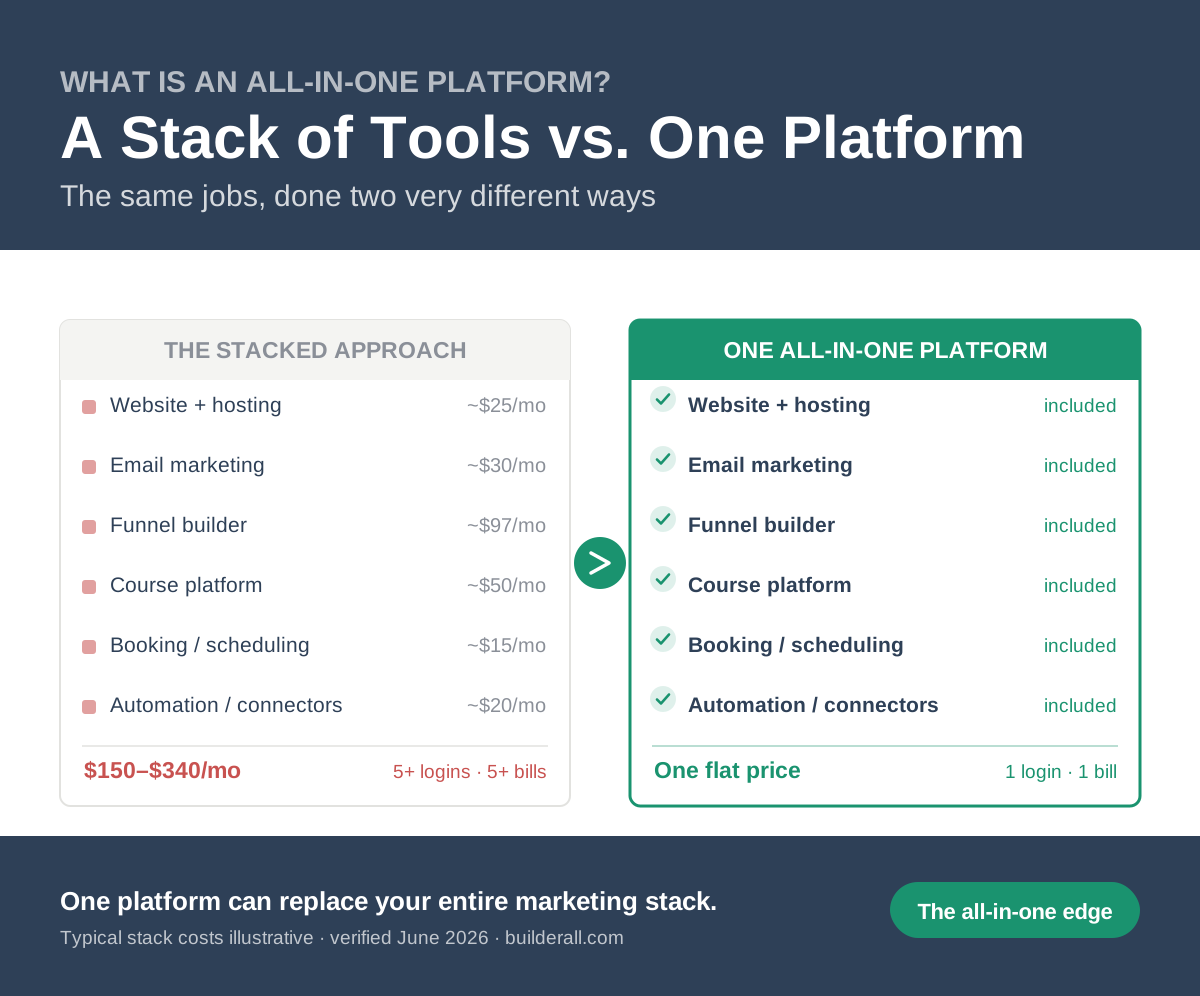
Each of those is usually its own tool, its own login, and its own monthly bill. We break down what that actually costs in The Hidden Cost of “Free” AI Website Hosting — the honest number is higher than most people expect, and it’s not close.
Builderall hosts the AI-generated site and includes both tiers in the same account: a working contact form with lead notifications, a newsletter tool, Supercheckout for taking payments directly, plus email automation, booking, chat/DM automation, social proof, courses, and Leads Central — Builderall’s lead-tracking tool that shows every lead and where it came from — all already there once you’re logged in. (Worth being precise here: Leads Central is built for marketing-driven businesses that need to see and organize leads by source, not a full sales CRM with pipeline stages and deal scoring — if you need that, you’d still want a dedicated sales CRM alongside it.)
Don’t just host your AI website. Build the business.
That’s the actual difference. Not a better upload button — a shorter distance between “I built a website with AI” and “I have a working business behind it.”
Start free: you can host an AI-generated site on Builderall’s free plan today — no custom domain or email sending on that tier, but it’s enough to see the rest of the platform and get something live while you decide if you want more. See the free plan →
Where to go next
This is the first post in a series that gets specific about each piece:
- Your AI Website Is Live. Now What? — the full checklist, one item at a time
- The Hidden Cost of “Free” AI Website Hosting — the real math on what a stitched-together stack costs
- How to Host a Website You Built with ChatGPT or Claude — the simplest, most direct hosting path
- How to Host a Lovable, v0, or Replit Project on Builderall — the static-export step, explained honestly
- Builderall vs. Netlify Drop and Builderall vs. Vercel — direct, fair comparisons
- Email Automation for a Website You Built with AI
- Do You Need a Booking Calendar on Your AI-Built Website?
- What to Do When Your AI-Generated Site Shows a Blank Page After Upload
Frequently Asked Questions
Is Builderall a website builder or a hosting platform?
Both, but more accurately, Builderall is an all-in-one marketing platform — meaning website hosting, a working contact form, a newsletter tool, payments (through Supercheckout), email automation, booking, chat/DM automation, social proof, courses, and lead tracking are all part of the same account, instead of being separate products you’d have to assemble. For this specific use case, you bring the site (built with any AI tool), Builderall hosts it, and everything above is already there in the same login.
Do I need to know how to code to host an AI-generated site on Builderall?
No. If your AI tool exports ready-to-upload files, you can be live in minutes. If it exports a framework project (like React from Lovable or v0), you’ll need to export a static build first — see our static export guide for exactly how.
What’s the actual difference between Builderall and Vercel or Netlify for hosting an AI website?
The hosting mechanics differ slightly (Builderall is static-upload only, similar to Netlify Drop, rather than a full Git-connected build pipeline), but the bigger difference is what’s available after your site is live — Builderall includes email automation, booking, chat, social proof, courses, and lead tracking in the same account; the others are hosting only.
Does Builderall replace my CRM?
Not a full sales CRM — Builderall’s Leads Central shows you every lead and its source (newsletter, booking, course, etc.) with basic notes, which covers what most marketing-driven small businesses need. If you run a sales team with a pipeline, you’d likely still want a dedicated CRM alongside it.
How much does it cost?
AI website hosting is included on every paid Builderall plan, and you can start on the free plan today (no custom domain or email sending on free — both are included once you upgrade).