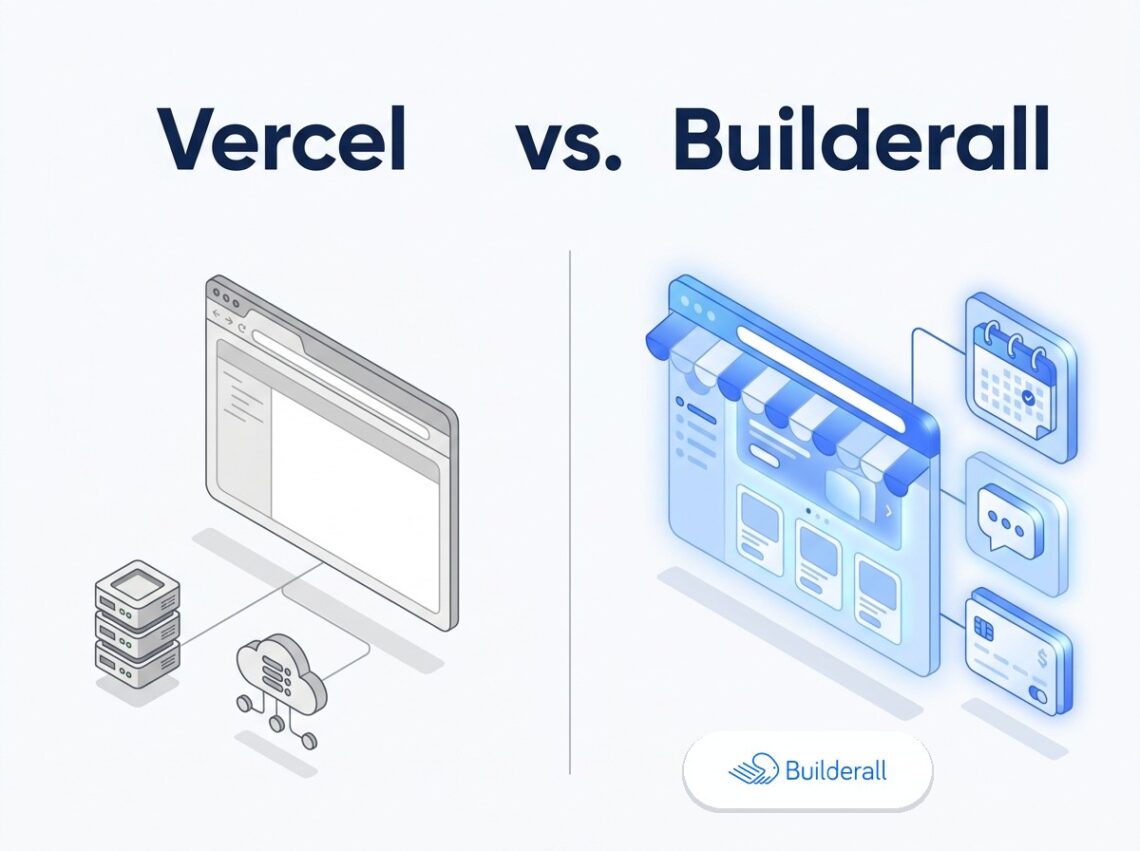
Vercel is the stronger choice if your AI tool generated a Next.js project and you need server-side rendering, edge functions, or a Git-connected build pipeline. Builderall is the better fit if what you actually need is a static site live fast, plus the marketing tools (email, booking, chat, lead tracking) to turn it into a working business — without adding a separate tool for each. Here’s the honest breakdown. Vercel is built for Git-connected framework deployments — here’s how it compares to Builderall once your AI-generated site needs more than hosting. Where Vercel genuinely wins Vercel has real, specific technical…
-
-
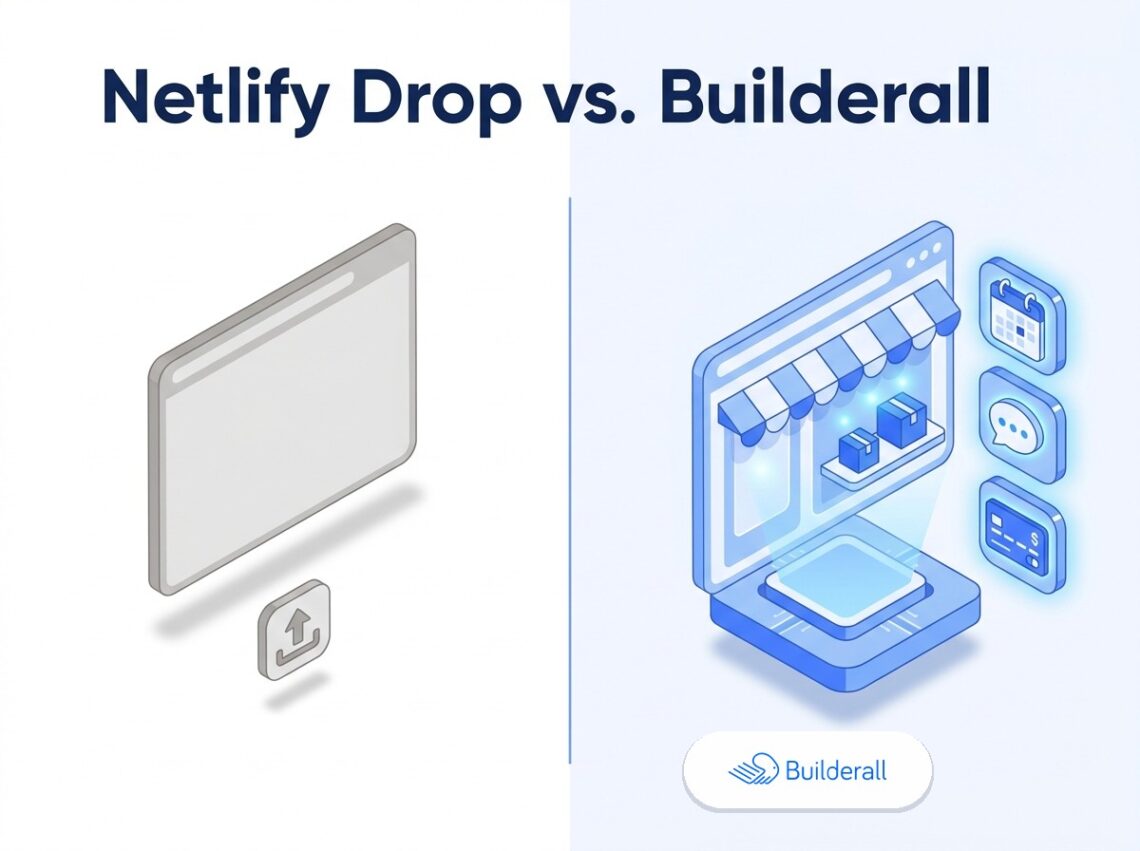
For getting a static, AI-generated site live with no Git and no CLI, Builderall and Netlify Drop work almost identically — both are drag-and-drop static hosting. The real difference shows up after your site is live: Netlify Drop stops at hosting, while Builderall includes email automation, booking, chat, social proof, courses, and lead tracking in the same account. Both get your AI-generated site onto a live URL in minutes — here’s what’s different once that site needs to work as a business. The hosting mechanics are genuinely similar Both platforms solve the same narrow problem the same way: Netlify Drop…
-
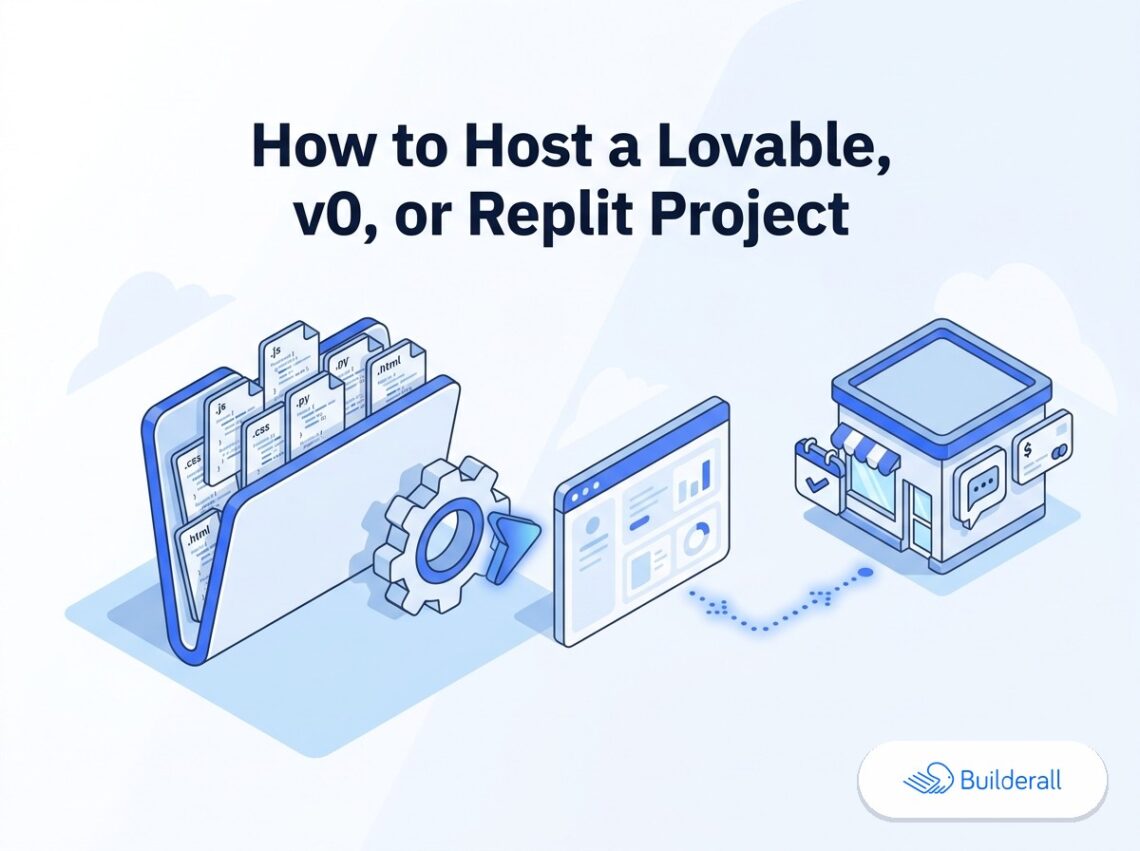
Lovable, v0, and Replit typically generate a React or Vite project — source code, not a finished, browser-ready site. Builderall hosts static HTML/CSS/JS, so you need to export a static build first before uploading. It’s a one-time, two-minute step, not a dealbreaker. Here’s exactly what that means and how to do it. Lovable, v0, and Replit generate source code, not a finished site — here’s the one-time static export step and how to host the result on Builderall. Why this step exists A React or Vite project isn’t a website yet — it’s source code that needs to be built…
-
If ChatGPT or Claude generated a single HTML file (or a small set of HTML/CSS/JS files) for your website, you can host it on Builderall by uploading that code directly — no Git, no terminal, no build step. It’s usually live in a few minutes. Here’s exactly how, plus what’s already there once it’s live. ChatGPT and Claude can generate a ready-to-use website in minutes — here’s exactly how to get it live and turn it into a working business. Why this is the simplest case ChatGPT and Claude (including Claude’s Artifacts feature) typically output ready-to-use HTML, CSS, and JavaScript…
-
Free AI website hosting is real — but the tools you add afterward are where the real cost shows up, and it grows a lot faster than people expect. A small business with a real list and a real team usually ends up paying $250-$400+ per month once you add up email, booking, and chat/DM automation separately — starting from a sticker price that looks like $20. Here’s the math, step by step. Free hosting is only the start — here’s what stitching together separate tools for a contact form, email, booking, and payments actually costs versus one all-in-one plan.…
-
Getting your AI-generated website live is the easy part. Some of what’s still missing is basic functionality your site can’t work without — a contact form that actually notifies you, a newsletter that goes somewhere, a way to take payments. The rest is the marketing layer (email, booking, chat, social proof, courses, lead tracking) that’s easy to skip at first, but costly to keep skipping. Here’s the real checklist, in order of how much it actually costs you to leave it out. Getting an AI-generated website live is the easy part — here’s the checklist of what it still needs…
-
AI can build you a website in minutes. Getting it live is the easy part — what happens after that is what actually determines whether it becomes a business. Every major hosting option for AI-generated sites (Vercel, Netlify, Cloudflare Pages, GitHub Pages, and newer drag-and-drop options like Netlify Drop) is genuinely good at one thing: putting your AI-built code on a live URL. None of them do anything past that — not even the basics, like a contact form that actually notifies you, a newsletter signup that goes somewhere, or a way to take a payment. Builderall hosts your AI-generated…
-
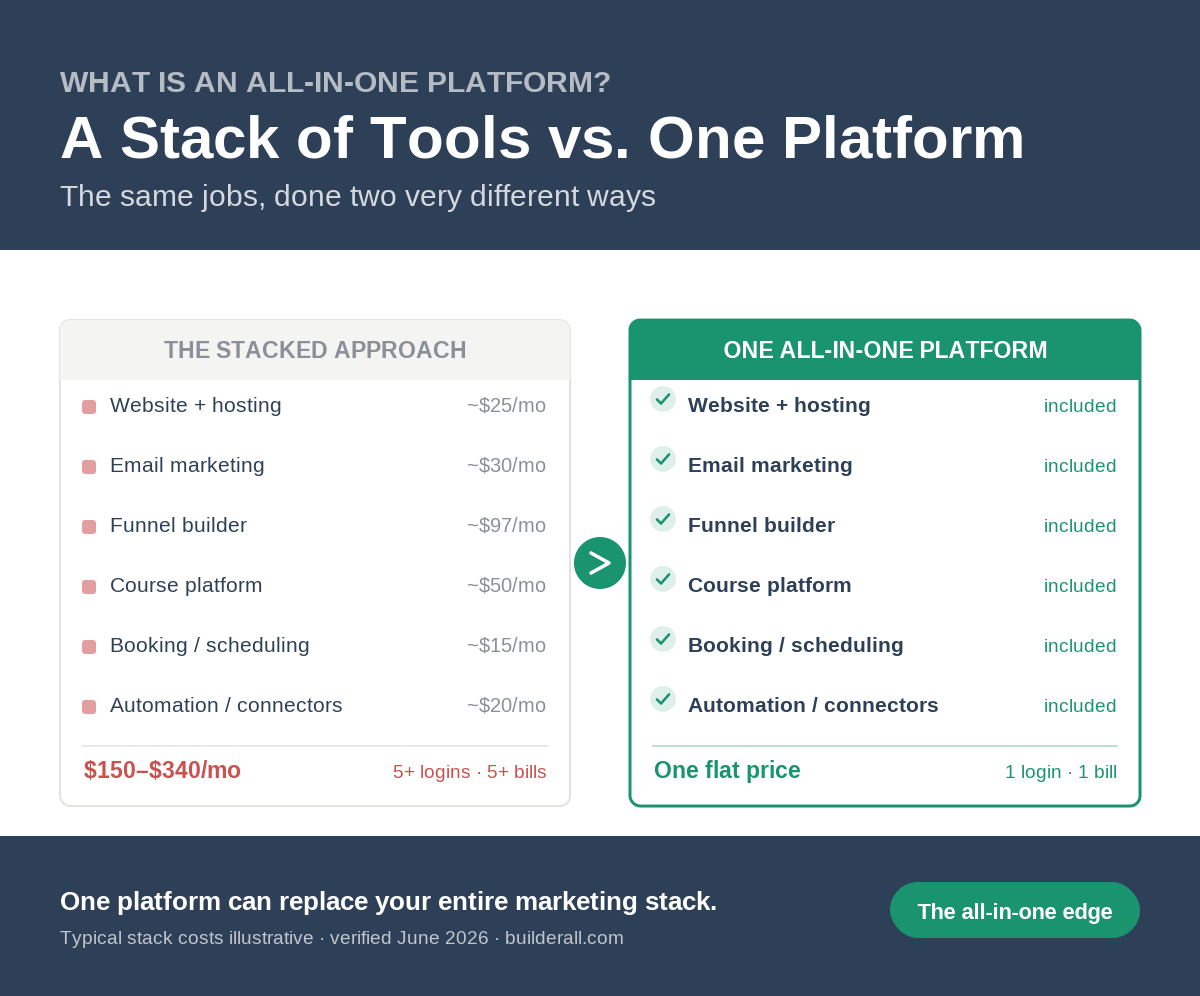
Last updated: June 10, 2026. Pricing for every platform below verified directly from each provider’s site. If you’re running an online business, you’ve probably felt it: one tool for your website, another for email, a third for funnels, a scheduler for bookings, something for your course, plus the connectors holding it all together. Separate logins, separate bills, and integrations that break at the worst possible moment. An all-in-one marketing platform is the answer to that sprawl — one system that does the jobs of many. This guide explains what these platforms actually are, what to look for, how the leading…
-
Last verified: June 10, 2026. Pricing and tool data confirmed directly from builderall.com; quality assessments reflect aggregated user reviews from G2, Capterra, and Trustpilot. Builderall is one of the most-discussed all-in-one marketing platforms — and one of the most inconsistently reviewed. Search for it and you’ll find everything from glowing affiliate praise to harsh takedowns, plus pricing and tool counts that contradict each other across sources. This review cuts through that. The facts here (pricing, plans, tools) are verified directly from Builderall’s site as of June 2026. The quality judgments are drawn from what real users report across major review…
-
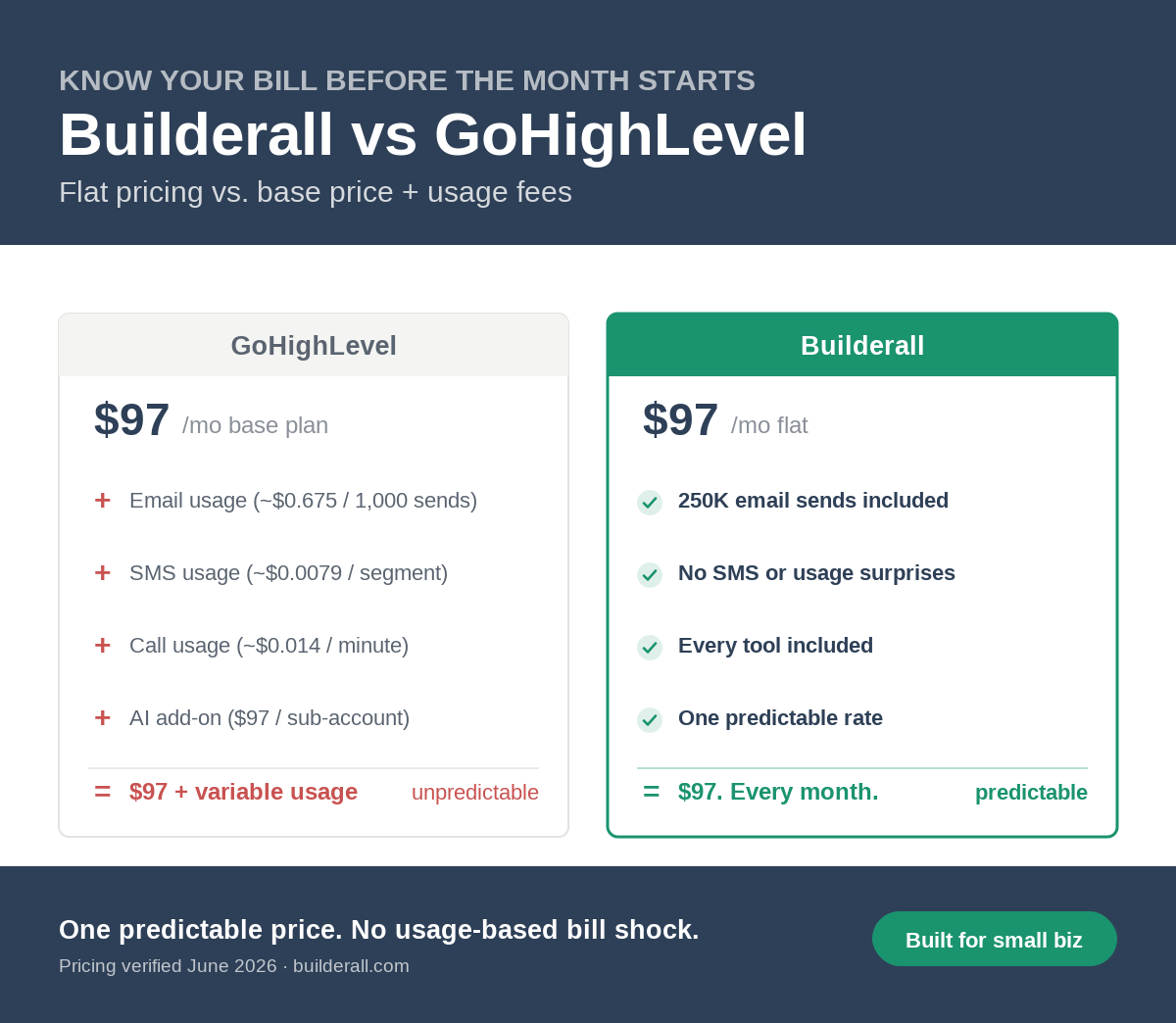
Last verified: June 10, 2026, using both platforms’ live pricing pages. GoHighLevel is a powerful platform — but it’s important to understand what it was actually built for. GoHighLevel is an agency tool. Its entire design, pricing model, and feature set are built around one job: helping marketing agencies manage many client businesses, white-label the software, and resell it. If you’re an agency, it’s genuinely excellent at that. But if you’re a solopreneur or a small business running your own marketing, you’re a different customer than the one GoHighLevel was built for. You’d be buying agency infrastructure you don’t need…